Creating a home office that feels both cozy and productive can make a big difference in how you work and enjoy your time at home. Whether you’re working remotely full-time or occasionally need a dedicated space for projects, the right setup improves focus, reduces stress, and keeps you motivated. Here are some practical tips to help you design a home office that balances comfort and efficiency.
Choose the Right Location
Start by picking a space that meets your needs. Ideally, your home office should be quiet and separate from high-traffic areas. A spare room or a quiet corner can work well.
– Look for good natural light—it boosts mood and reduces eye strain.
– Ensure the spot has enough outlets for your devices.
– Consider proximity to your home’s main living areas to avoid distractions.
Invest in Comfortable, Supportive Furniture
Your furniture plays a crucial role in both comfort and productivity.
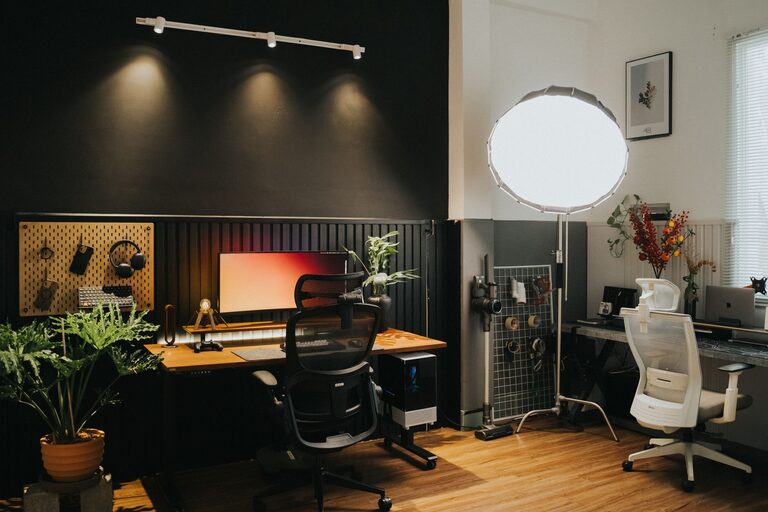
– Use an ergonomic chair to support your posture during long hours of sitting.
– Choose a desk at the right height; adjustable desks are a great option.
– Add a footrest or a cushioned mat if your feet don’t reach the ground comfortably.
Comfortable furniture prevents aches and helps maintain focus throughout the day.
Organize and Declutter
A tidy workspace keeps your mind clear and tasks manageable.
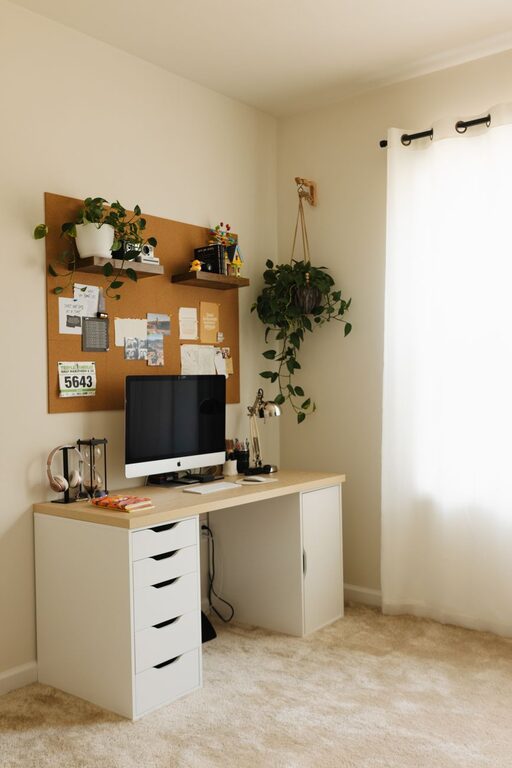
– Use shelves, drawers, and storage boxes to keep supplies organized.
– Remove unnecessary items from your desk to create a clean, open surface.
– Implement cable management tools to avoid tangled cords.
Regularly declutter your space to maintain a refreshing environment that promotes productivity.
Lighting Matters
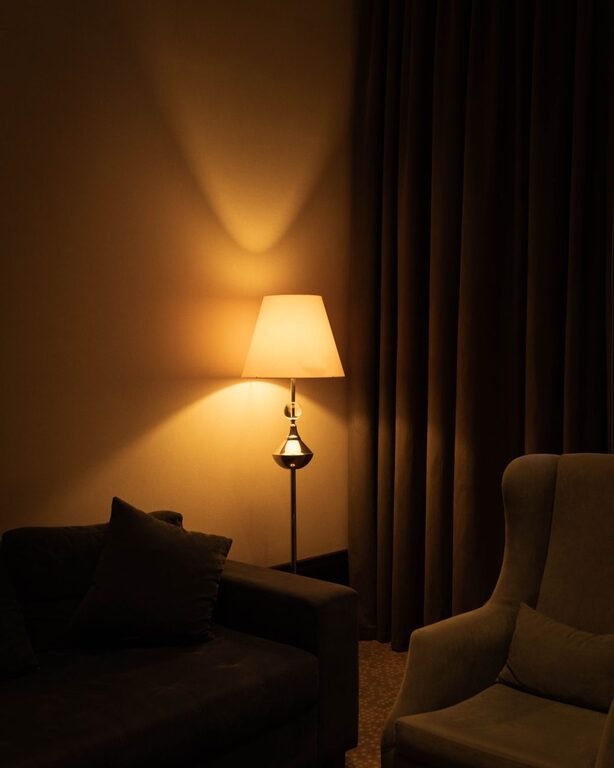
Proper lighting reduces eye strain and creates a warm atmosphere.
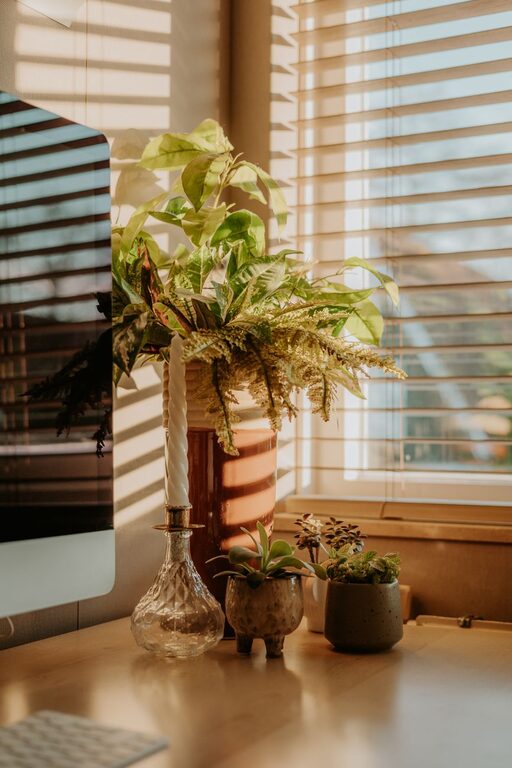
– Maximize natural light by positioning your desk near a window.
– Use layered lighting: combine overhead lights with task lights.
– Choose bulbs with a warm tone for coziness, but ensure they are bright enough to work efficiently.
Adjustable desk lamps help you customize lighting based on your needs.
Add Personal Comfort Elements
Make your office feel inviting by adding touches that enhance comfort.
– Include soft textiles like a throw blanket or cushions for your chair.
– Place a small plant to bring life and improve air quality.
– Incorporate calming scents with essential oils or candles (if safe).
Personal touches make your space inviting, reducing stress and indirectly boosting productivity.
Minimize Distractions
Control distractions to keep your focus sharp.
– Use noise-cancelling headphones or soft background music if your surroundings are noisy.
– Set clear boundaries with family or roommates during work hours.
– Use apps or settings to limit notifications from non-work apps.
Creating a distraction-free zone helps you maintain concentration throughout your workday.
Incorporate Technology Thoughtfully
Technology supports efficiency, but too much can cause clutter.
– Choose wireless devices to reduce cable clutter.
– Invest in a good-quality monitor for better screen visibility.
– Keep chargers, external drives, and other electronics stored neatly when not in use.
Use technology to streamline work, not overwhelm your space.
Maintain a Routine and Comfort Breaks
Your environment affects your habits, so design your office to support a good routine.
– Set specific work hours and stick to regular breaks.
– Add items that encourage breaks, such as a water bottle or a small snack station.
– Consider standing or stretching regularly to stay energized.
A comfortable office encourages healthy work habits and sustained productivity.
Conclusion
Designing a cozy and productive home office space takes intentional choices about location, furniture, organization, and ambiance. By focusing on comfort and minimizing distractions, you can create an environment where work feels enjoyable and efficient. Personalize your space with items that inspire and relax you, and watch as your productivity and well-being improve day by day.
Transform your home office into a place where you look forward to spending time—your future self will thank you!